
TK777 App Download: Android and iPhone Guide
TK777 Editorial • Updated
Check download sources, installation permissions and app availability before using a TK777 Android APK or iPhone home-screen shortcut.
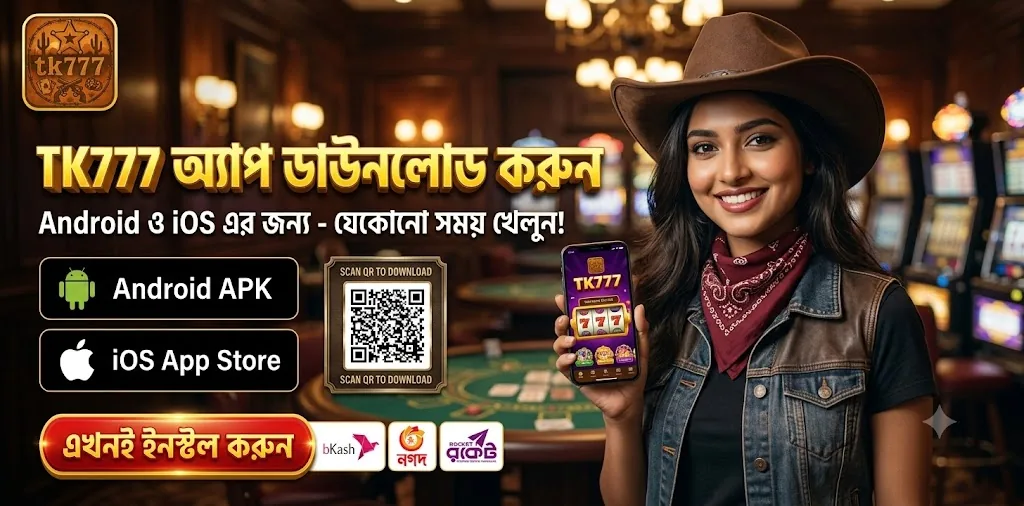
Before downloading
Do not install an APK simply because its name includes TK777. Check the publisher, version, Android requirements and download source on the operator’s current app page. This page does not host an APK. A QR code or App Store label in artwork does not establish app approval.
Android installation
Download only after confirming the source. If Android requests permission to install from another app, review that specific permission and the security warning. Keep security scanning enabled and revoke unnecessary permissions afterward. Stop if you cannot explain why the app needs contacts, SMS or other sensitive access.
An iPhone home-screen shortcut
Open the verified website in Safari and use Share, then Add to Home Screen when available. A home-screen shortcut is different from a native App Store installation. If the operator supplies an App Store link, check its publisher. Do not assume every version supports biometrics, 2FA or notifications.
Bonuses and troubleshooting
Installing the app does not guarantee a ৳100 reward. Read eligibility and terms for any active promotion. For installation problems, check storage, connection and version compatibility. Never give an unknown helper your password or OTP.
If an APK will not install
Check available storage, your Android version and the file source before retrying. Open Play Store, tap your profile and review Play Protect; Google recommends keeping its scanning enabled. If the file is flagged, stop rather than disabling protection to get past the warning. A download arriving through a private message can have the same filename as another file without being the same app. This guide has not independently tested a TK777 package, version or store listing.
Finding the iPhone shortcut option
Apple documents Home Screen shortcuts through Safari’s Share menu; the exact button position depends on the Safari layout. If Add to Home Screen is missing, check Edit Actions in that menu. Before adding a shortcut, read the complete address and make sure it is the page you intended to save. A shortcut does not establish that a native TK777 iPhone app exists. If notifications are requested, review the permission separately.
Before you proceed
- Confirm the exact download domain and publisher before installing.
- Review requested permissions; stop if sensitive access has no clear purpose.
- Distinguish an iPhone home-screen shortcut from an App Store app.
Sources
These sources explain the general principles discussed above. Their inclusion does not verify or endorse TK777 or its operator.
18+ only. Gambling involves financial risk. These information pages do not collect passwords or process payments.